Every protocol item, accounted for
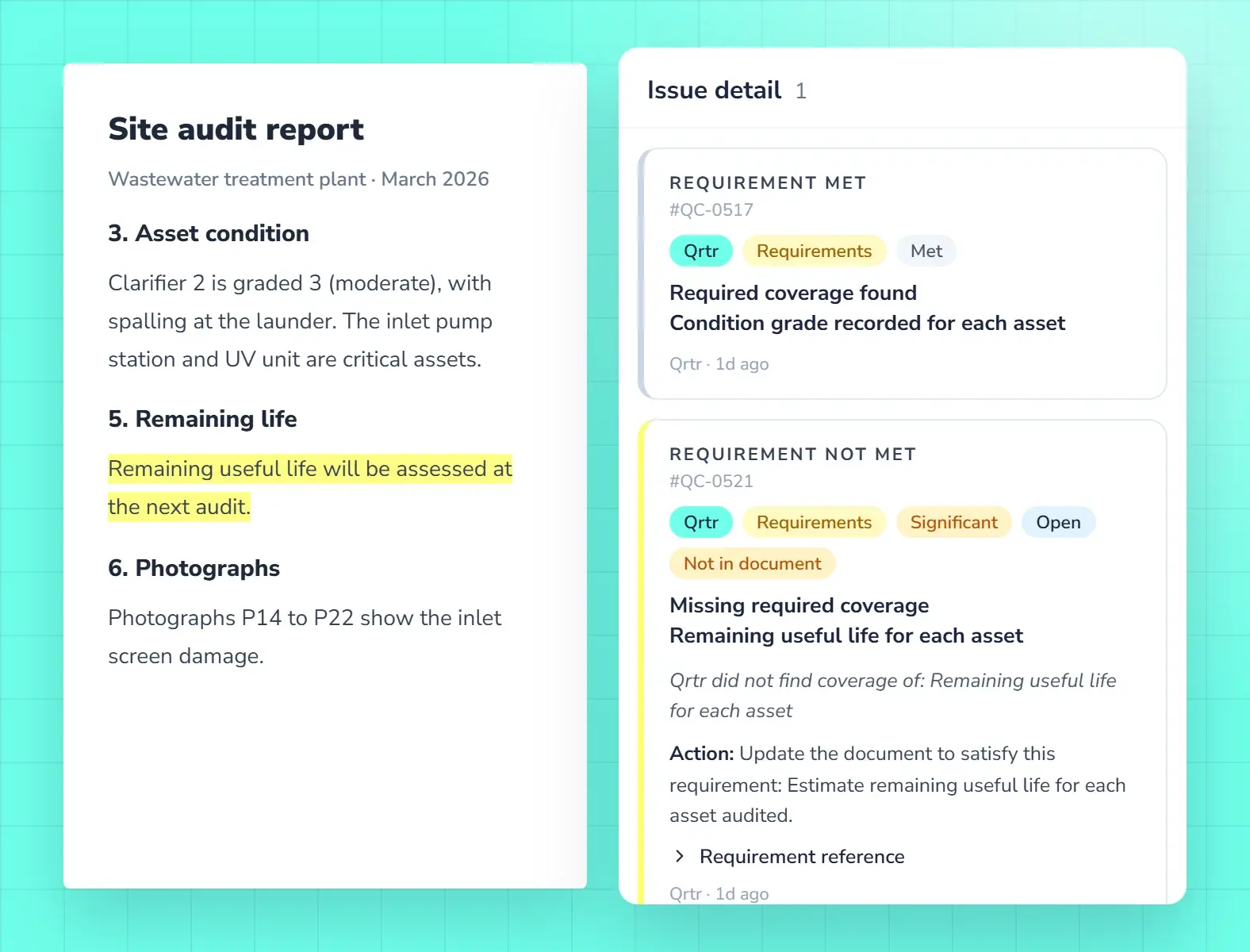
Qrtr Check shows which protocol items the report covers and which it misses, with the passage behind each result. Auditors fix gaps before the report goes out.
- Met or Not met for every item
- The passage each result rests on
- Reviewers decide what stands
A record you can stand behind
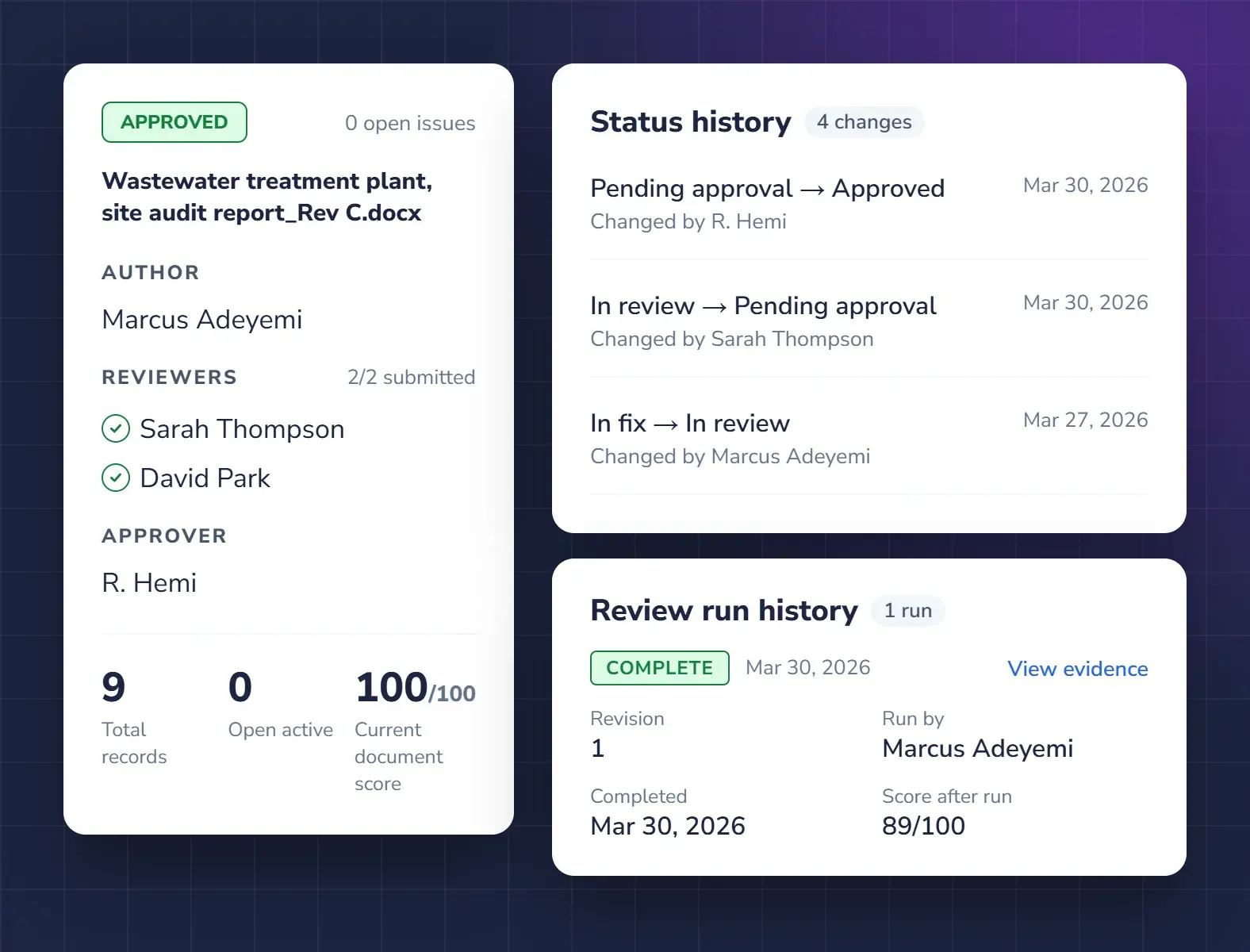
Reviewers confirm the findings and the approver signs off. The sign-off record, the issues raised and the versions are all kept for the next audit and any challenge.
- Sign-off record on the report
- Full audit trail across versions
- Export the register as PDF or CSV
We build your protocol into a Quality Profile
Send us your audit protocol or standard. We set it up, and your auditors check every report against it.
Questions about site audits
Can Qrtr check an audit report against our protocol?
Yes. Qrtr builds your audit protocol into a Quality Profile, and Qrtr Check assesses each site report against it, marking every item Met or Not met with the passage it rests on.
Who decides whether a finding stands?
Your reviewers. Qrtr Check raises findings with evidence, and people accept or reject them. The record shows who decided.
What record do we keep?
Every issue, response and version is kept on the Live Issue Register, and a sign-off record goes on the approved report. The register exports as a PDF or CSV.
Also in Qrtr
See Qrtr in action
A 30-minute walkthrough of how teams review, fix and sign off reports.