One review, from first draft to sign-off
Reviewers work in the browser, authors fix in Word, and every issue lives on one Live Issue Register until the approver signs off.
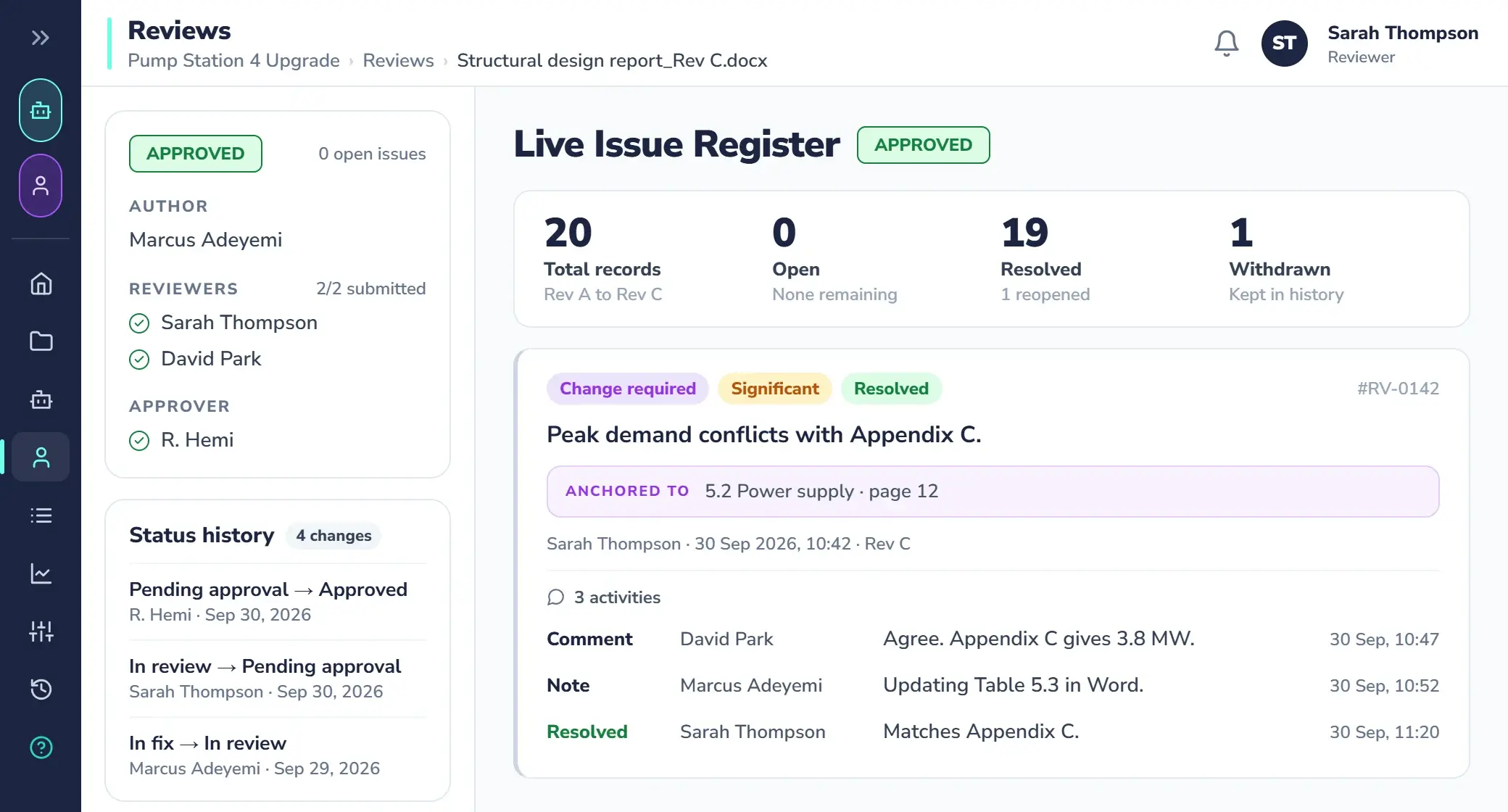
From marked-up copies to one register
Today the QA record is a Word file full of comments. With Qrtr, every issue has an owner, a status and a history, and you can search it.
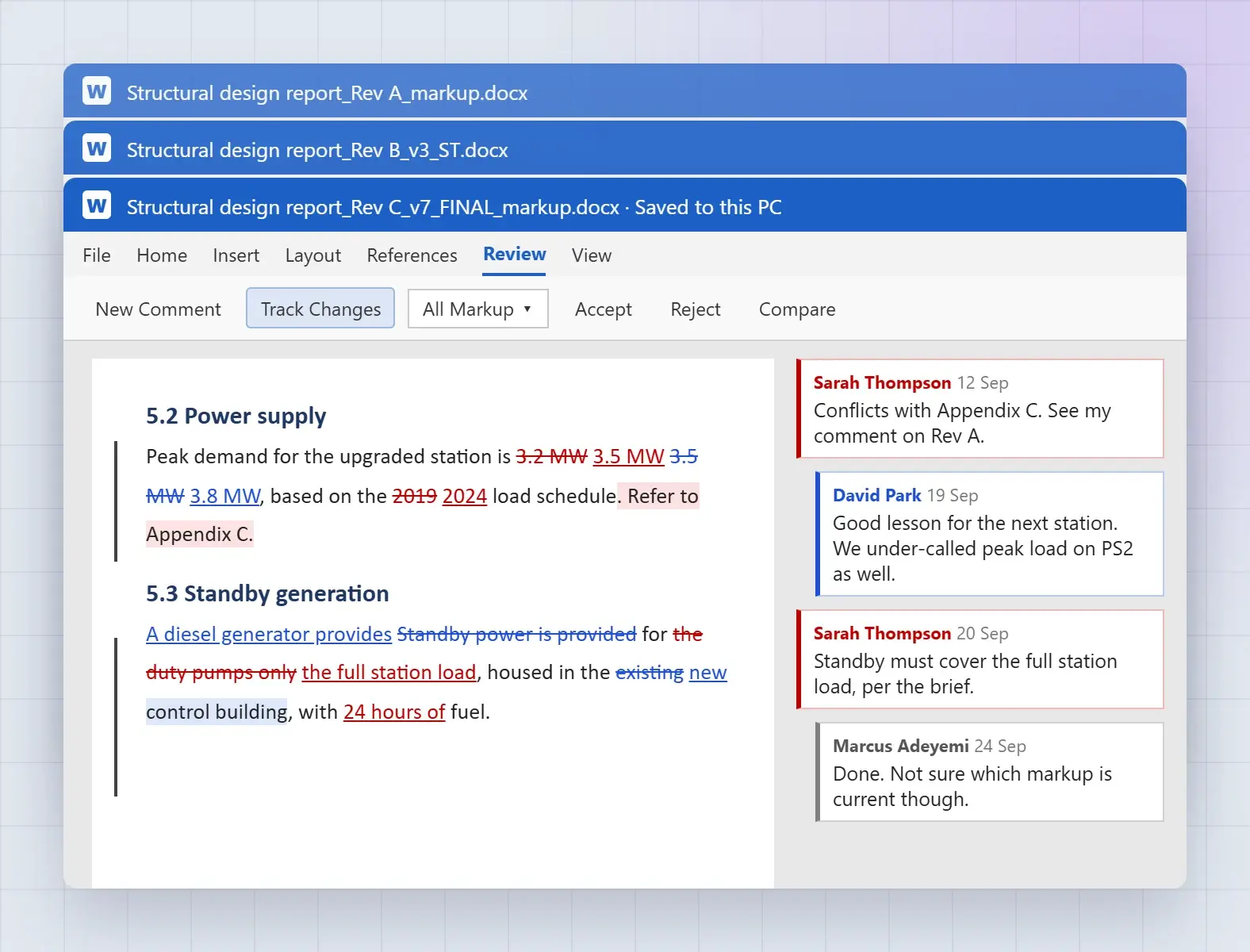
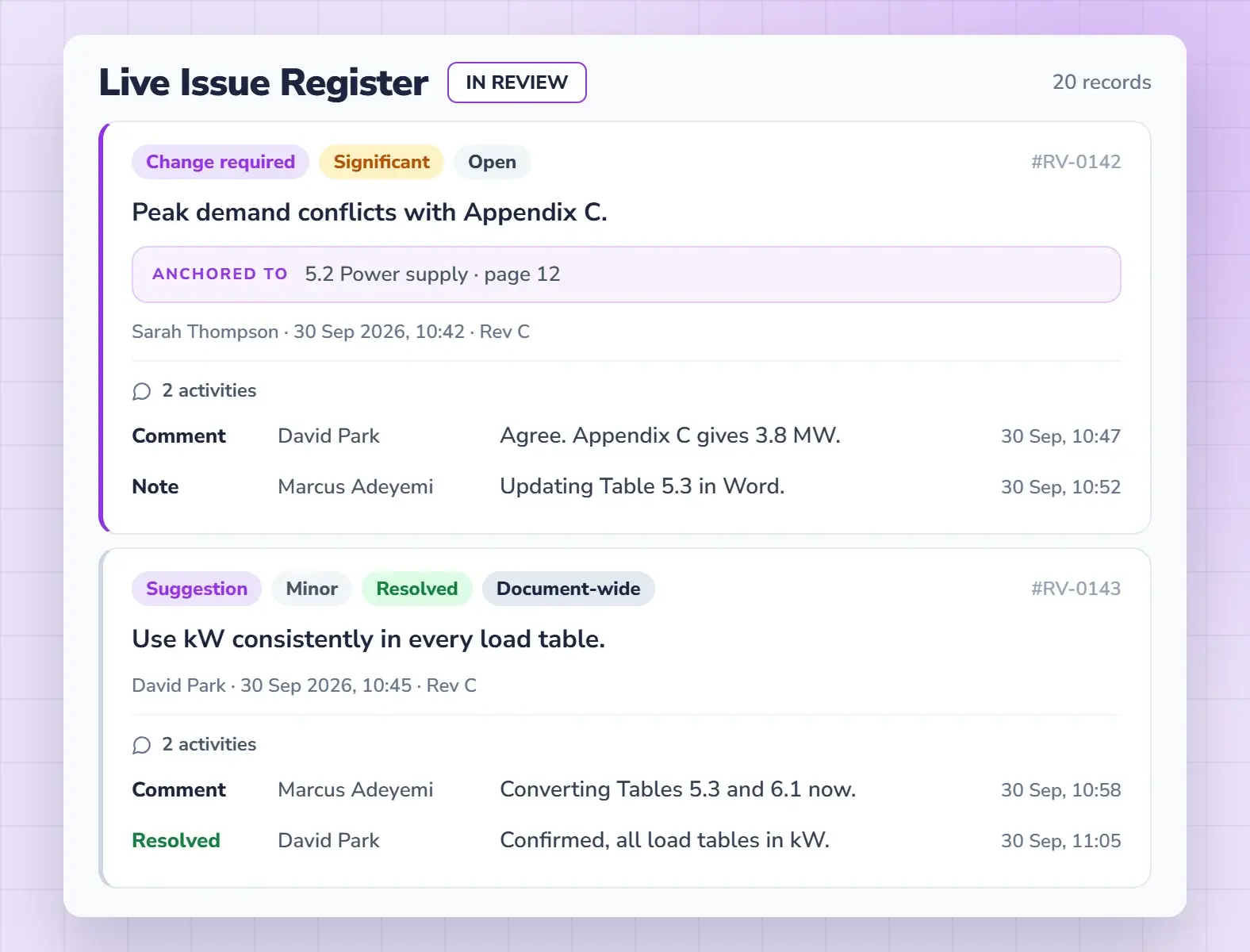
Four steps, two surfaces, one record
Raise
BrowserReviewers select the passage and raise the issue once, with a type and severity.
Fix
WordThe issue lands in the author’s Fix Queue in Word, at the exact passage.
Discuss
BothAuthor and reviewer talk it through on the issue until it is resolved.
Sign off
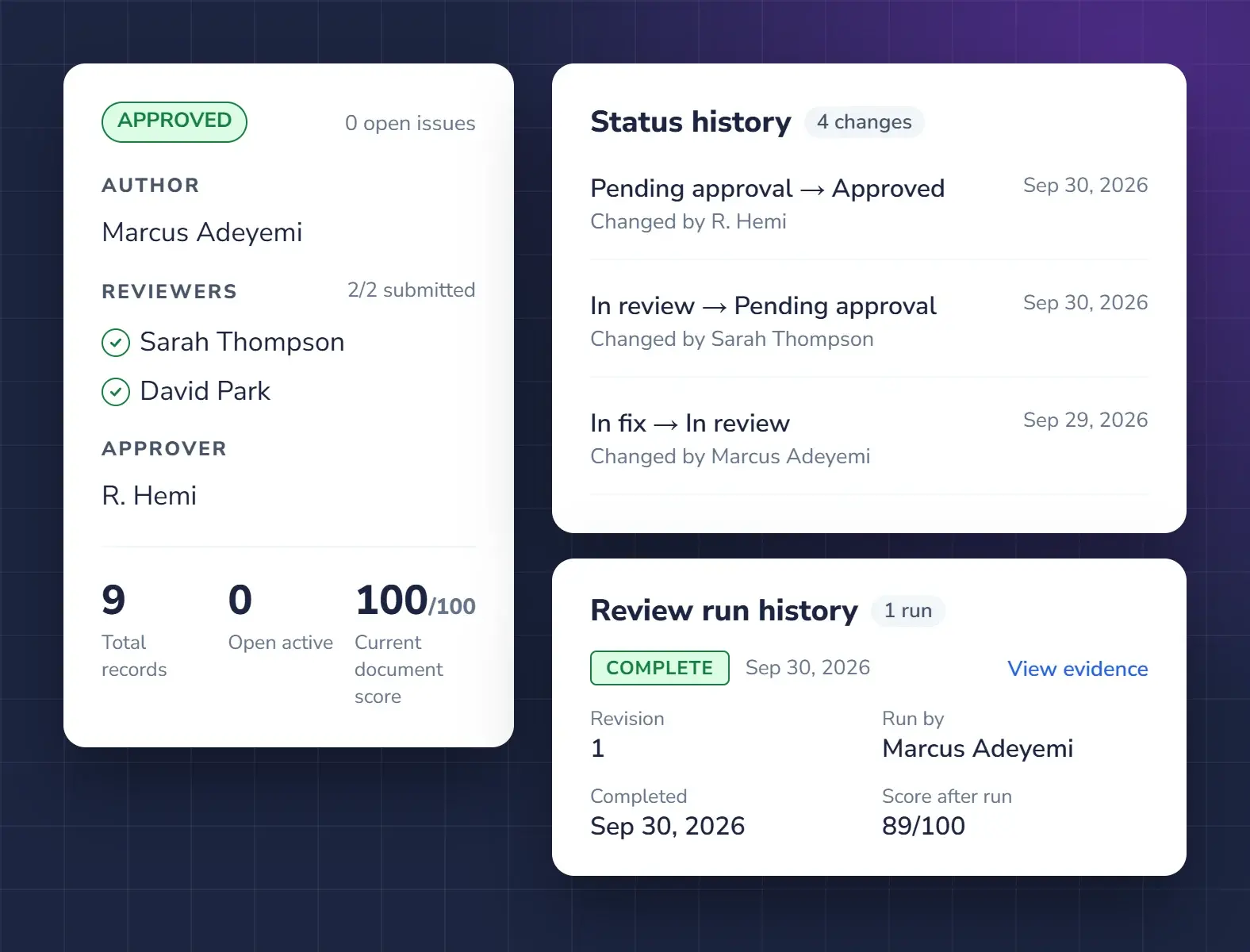
BrowserThe approver signs off and the sign-off record goes on the report.
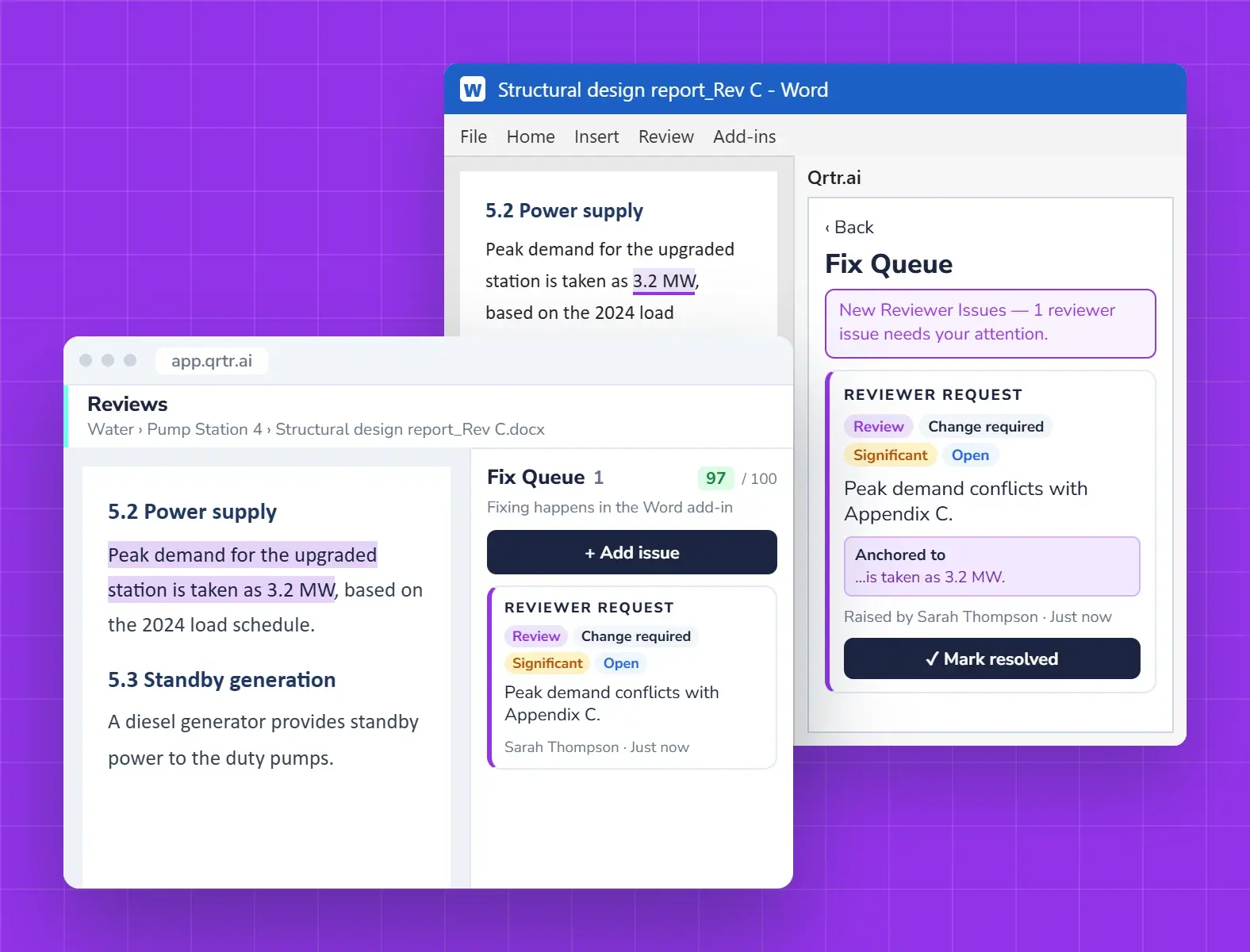
Authors stay in Word. Reviewers open any report
The Qrtr add-in puts the Fix Queue beside the document. Reviewers work in any browser on a clean copy of a Word or PDF report.
Questions about the review workflow
How does review work in Qrtr?
Reviewers read a clean copy of a Word or PDF report in the browser and raise issues on the text. Authors fix them from the Fix Queue in Word. Every issue stays on one Live Issue Register until the approver signs off.
Do authors have to stop using Word?
No. Authors write and fix in Microsoft Word. The Qrtr add-in shows the Fix Queue beside the document and syncs every fix back to the register.
Can several reviewers review the same report at once?
Yes. Reviewers can work on the same version at the same time. Each issue reaches the author as soon as it is raised, and the conversation stays attached to the issue.
Can I review a PDF report?
Yes. Qrtr reviews Word and PDF reports, and you can export the register as a PDF or CSV.
How is sign-off recorded?
The approver signs off in Qrtr and a sign-off record is added to the report, backed by the full audit trail.
Also in Qrtr
See Qrtr in action
A 30-minute walkthrough of how teams review, fix and sign off reports.